500KB GIF
Aim below 500 KB for chat and forum upload limits.


Fewer colors. A lighter loop.
Prepare a smaller GIF for WhatsApp in your browser. Start with an editable 1 MB target, compare quality, and follow the limit shown by your app.
Drop one GIF here
GIF — up to 20 MB
No GIF handy? Try one:
Select a GIF from your device. For a screen recording, first use Video to GIF and keep the useful moment short.
Start with the editable 1 MB target (1,048,576 bytes in this tool) and color reduction. Enable smaller dimensions or fewer frames only if the preview remains acceptable.
Check actual bytes and target status, save the GIF, then preview it in WhatsApp before sending through your chosen attachment flow.
−51%
smaller on this sample
Measured on this original sample with the GifSlim compression engine at 64 colors. Your result depends on the animation; compare both versions before downloading.
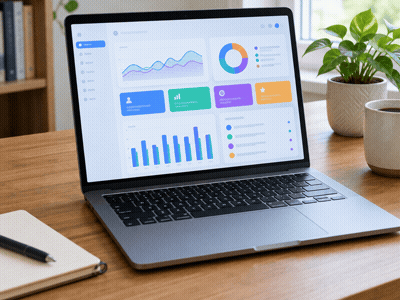
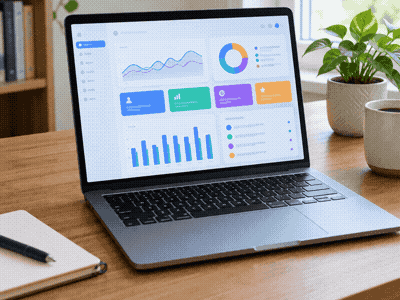 OriginalCompressed
Frame 1 · same moment
WhatsApp does not publish one universal GIF byte limit for every sending method. Its media help lists video limits of 100 MB at 720p on faster connections and 64 MB at 480p on slower connections; documents can be up to 2 GB. These are video and document limits, not a guaranteed GIF allowance. Follow the limit and preview shown by your app.
WhatsApp may reject the attachment or ask you to shorten it; its media flow may also re-encode the file. Lower the target and check the result before trying again. A file sent as a document may be delivered as a download rather than a looping animation.
Start with color reduction while keeping dimensions and frames unchanged. Compare fine text, gradients and movement. If the target is missed, allow a smaller canvas or fewer frames gradually. No setting guarantees unchanged quality or that every GIF reaches its target.
Save the download in Files. In WhatsApp, open a chat and use the plus attachment menu: choose Document to browse Files. For inline animation, use the GIF picker or choose a short video from Photos and use the GIF option when offered. Preview before sending; sharing a .gif as a document does not guarantee inline playback.
Save the download, open a WhatsApp chat and use the paperclip attachment menu. Choose Document to browse Downloads. For inline animation, use the GIF picker or select a short Gallery video and choose GIF when available. Check the preview; document attachments may appear as files rather than looping animations.
No. The compressor works in your browser. Check the measured output size and the target status before downloading; a smaller file can still exceed your chosen target.
Use the GIF compressor for an existing GIF or Video to GIF for a short recording. The 1 MB starting target is editable and does not promise WhatsApp acceptance.
WhatsApp may handle inline media differently from document attachments. Confirm playback in the recipient’s chat when animation matters.
Size guidance checked 17 October 2026: WhatsApp media help.